Card Lab: Trading Card Maker
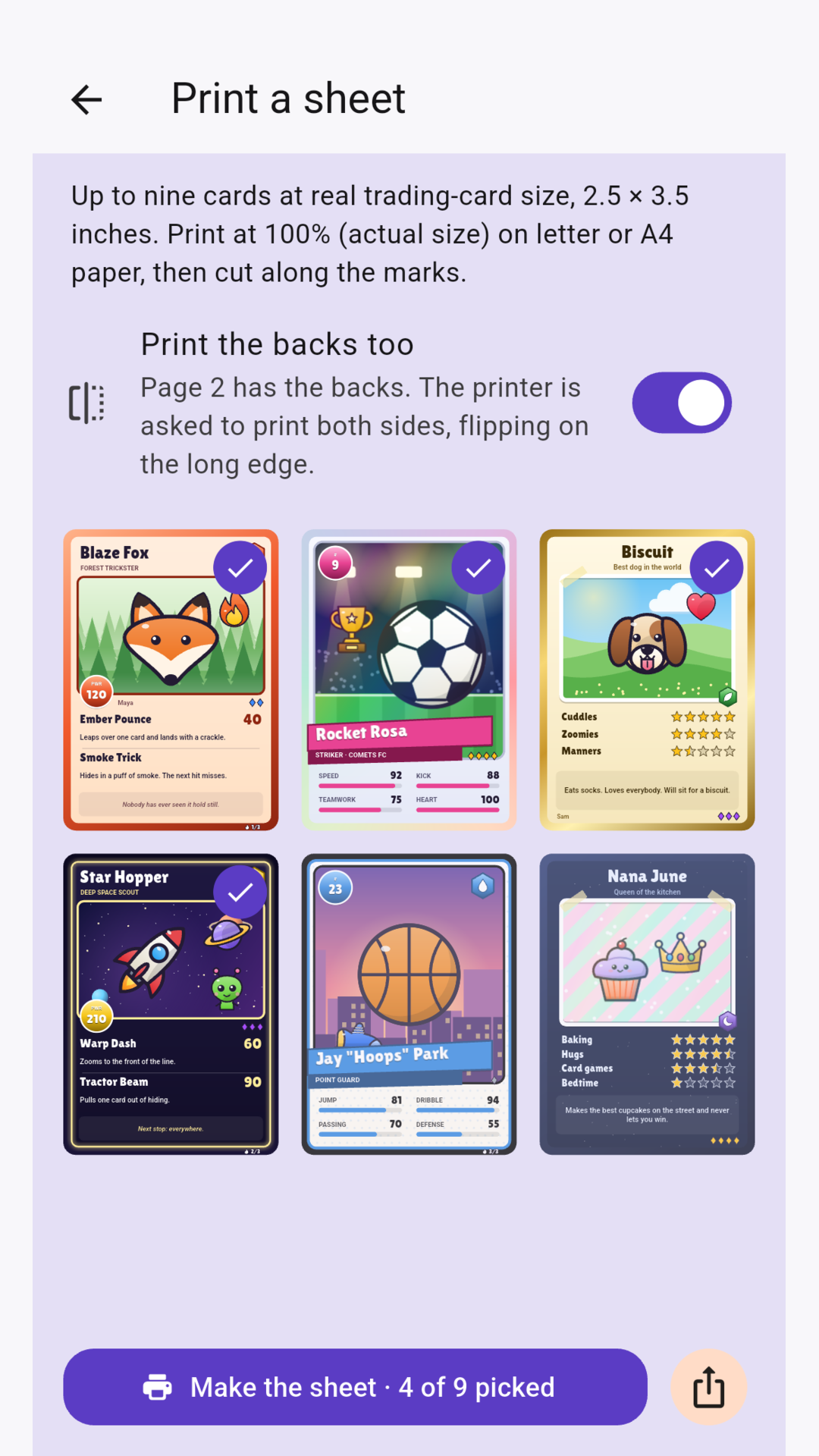
Make your own trading cards, front and back. Share them or print them at home.

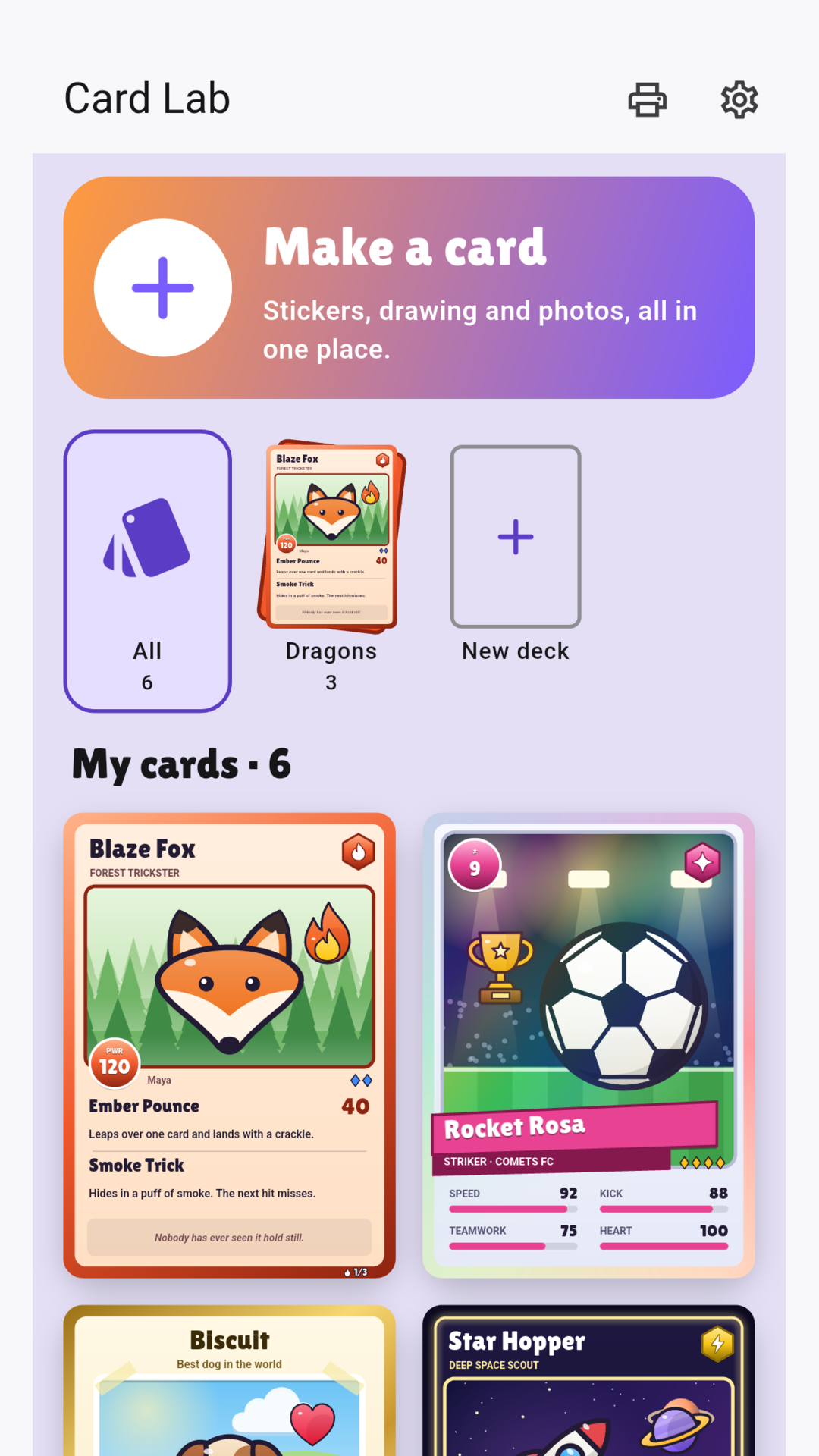
Make your own trading cards — for a hero you invented, a star player, your best friend or the family dog.
Card Lab opens straight onto a card you can change — no questions first.
MAKE A CARD
• Tap the big plus and a card is already there: a creature, a name and two moves, ready to change
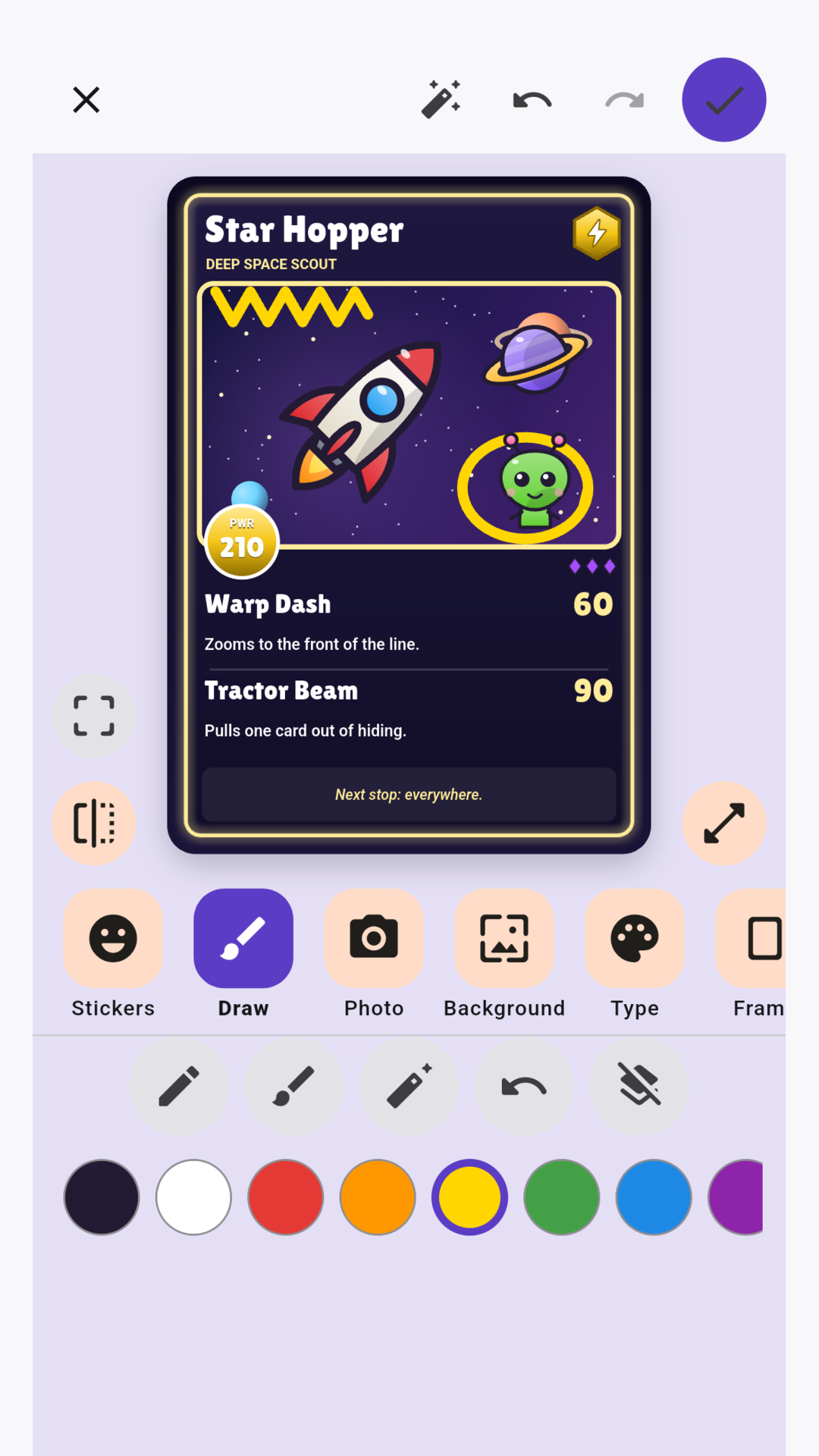
• Picture buttons under the card: stickers, draw, photo, background, type, frame, back, card kind, words and numbers
• Pick from 56 hand-drawn stickers, then drag them to move them and pinch to make them bigger or smaller
• Move a sticker forward or back in the pile
• Draw on the card with your finger, and erase
• Put stickers and drawings over the whole card — even on the frame and the words
• Add a photo and drag or pinch to frame it
• Tap the dice for a funny name, pick skill names from a list, or write every word yourself
• Give a card a second type, and give each move its own element
• The magic wand walks through the choices one question at a time
• Undo and redo anything
THREE KINDS OF CARD
• Battle cards: a power number, two moves and a motto
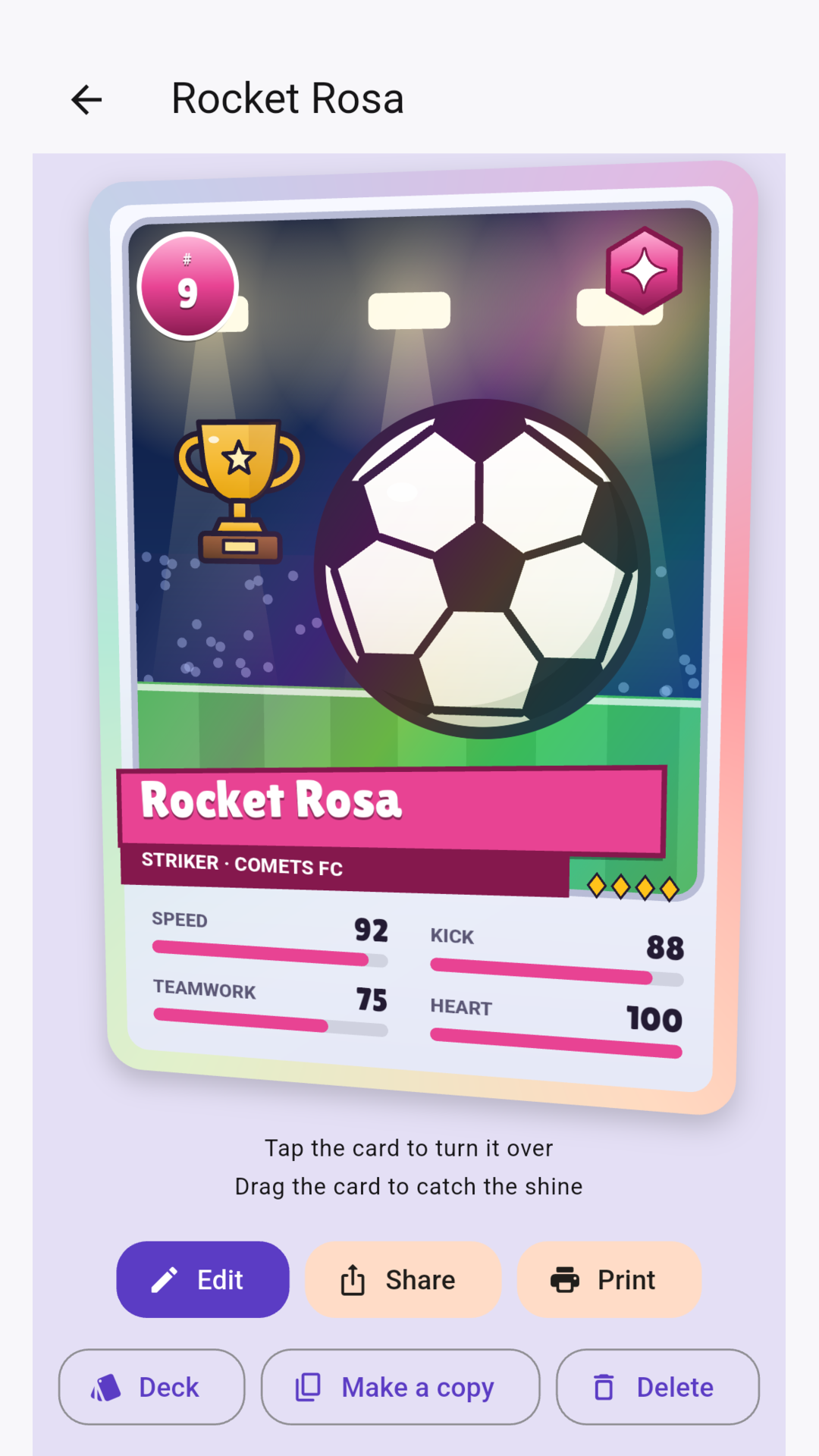
• Star cards: a big picture, a number and four stat bars, like a sports card
• Buddy cards: star ratings and a few lines about them, for pets, friends and family
Ten types, six frames (Classic, Holo, Neon, Gold, Comic and Midnight) and four rarities. Legendary cards get a foil shine that moves when you drag the card.